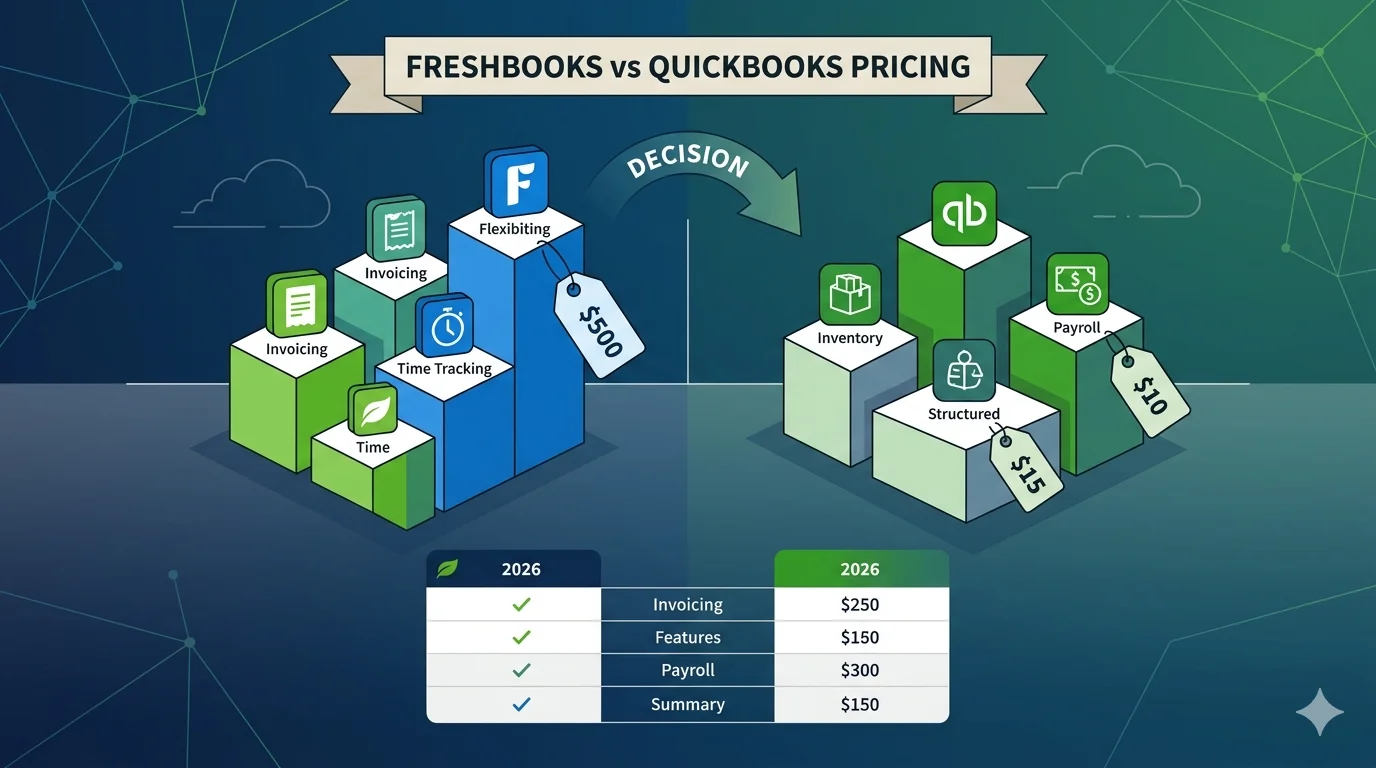
Choosing between accounting software is not only about features, but also about pricing structure, scalability, and long-term cost. Two of the most commonly compared platforms are FreshBooks and QuickBooks, and while both offer subscription-based models, their pricing logic is completely different.
FreshBooks is designed around clients and billing simplicity, while QuickBooks is structured as a full accounting system with tiered functionality for growing businesses. This guide explains both pricing models in detail so you can clearly understand what you are paying for and which option gives better value.
FreshBooks Pricing Structure Explained
FreshBooks follows a client-based subscription model. This means pricing depends mainly on how many billable clients you manage and what level of features you need.
1. Lite Plan
This is the entry-level plan designed for freelancers and very small service businesses.
Includes:
- Basic invoicing system
- Expense tracking
- Time tracking
- Limited number of billable clients
- Basic reporting tools
- Payment integrations
Best suited for:
- Freelancers
- Solo consultants
- Side businesses
Key limitation:
- Client limit restricts growth
- Not suitable for scaling businesses
2. Plus Plan
This is the most commonly used FreshBooks plan for growing freelancers.
Includes:
- Everything in Lite plan
- More billable clients
- Recurring invoices
- Late payment automation
- Project-based billing
- Improved reporting features
Best suited for:
- Small agencies
- Freelancers with multiple clients
- Service-based businesses
Key improvement over Lite:
- Higher client capacity and better automation
3. Premium Plan
This plan is designed for established service businesses.
Includes:
- Higher or unlimited client capacity (depending on region)
- Advanced invoicing automation
- Stronger reporting tools
- Better team collaboration features
- Priority support
Best suited for:
- Agencies
- Established freelancers
- Growing service companies
4. Custom Plan
This is designed for larger teams that need advanced support and customization.
Includes:
- Dedicated account support
- Custom workflows
- Advanced billing structures
- Higher usage limits
Best suited for:
- Larger service-based organizations
FreshBooks Pricing Model Summary
Key characteristics:
- Pricing increases mainly with client count
- Focus on invoicing and billing workflow
- No heavy accounting complexity
- Designed for freelancers and service providers
Strength:
- Simple and predictable pricing for small users
Limitation:
- Becomes expensive as client base grows
QuickBooks Pricing Structure Explained
QuickBooks uses a feature-based tiered pricing model. Instead of focusing on clients, it focuses on accounting complexity, user access, and advanced financial features.
1. Simple Start Plan
This is the entry-level QuickBooks plan.
Includes:
- Basic income and expense tracking
- Invoicing system
- Tax estimation tools
- Basic financial reports
- Bank connection
Best suited for:
- Freelancers
- Sole proprietors
- Very small businesses
Limitation:
- Single-user access
- Limited reporting features
2. Essentials Plan
This is the mid-level plan for small businesses.
Includes:
- Everything in Simple Start
- Bill management
- Time tracking
- Multi-user access (limited users)
- More detailed reporting
Best suited for:
- Small teams
- Service businesses
- Growing startups
Key improvement:
- Collaboration features added
3. Plus Plan
This is one of the most popular QuickBooks plans.
Includes:
- Everything in Essentials
- Project tracking
- Inventory tracking
- Budgeting tools
- More advanced reporting
Best suited for:
- Product-based businesses
- Growing companies
- Businesses needing inventory management
Key advantage:
- Strong operational and financial tracking
4. Advanced Plan
This is the highest-tier QuickBooks plan.
Includes:
- Everything in Plus
- Advanced reporting and analytics
- Workflow automation tools
- Dedicated support
- Enhanced data controls
- Higher user limits
Best suited for:
- Medium to large businesses
- Companies with complex accounting needs
- Businesses requiring detailed financial control
QuickBooks Pricing Model Summary
Key characteristics:
- Pricing increases with features and users
- Strong focus on full accounting system
- Scales into advanced business operations
- Designed for long-term business growth
Strength:
- Very powerful accounting system
Limitation:
- More expensive as features scale up
FreshBooks vs QuickBooks Pricing Comparison
Pricing Philosophy
FreshBooks:
- Based on number of clients
- Focus on billing and invoicing simplicity
QuickBooks:
- Based on features and business complexity
- Focus on full accounting system
Cost for Small Businesses
FreshBooks:
- More affordable initially for freelancers
- Cost increases with client growth
QuickBooks:
- Slightly higher starting price
- More value in accounting depth
Winner: FreshBooks for freelancers
Cost for Growing Businesses
FreshBooks:
- Can become expensive with many clients
- Limited scalability
QuickBooks:
- Scales better with business complexity
- Better long-term value
Winner: QuickBooks
Cost vs Features Value
FreshBooks:
- Strong value for invoicing and time tracking
- Limited accounting depth
QuickBooks:
- Higher cost but more complete system
- Better financial control
Winner: QuickBooks
Final Verdict
FreshBooks pricing is best suited for freelancers and service providers who want a simple billing system with predictable costs based on client numbers. It is easy to understand and fast to start with, but it becomes less efficient as the business scales.
QuickBooks pricing is structured for long-term business growth. It offers more advanced accounting features, better reporting, inventory tools, and scalability, but at a higher cost depending on the plan.
In simple terms:
- FreshBooks is cheaper and simpler for freelancers
- QuickBooks is more powerful and scalable for growing businesses
The best choice depends on whether you prioritize simplicity or full accounting power.