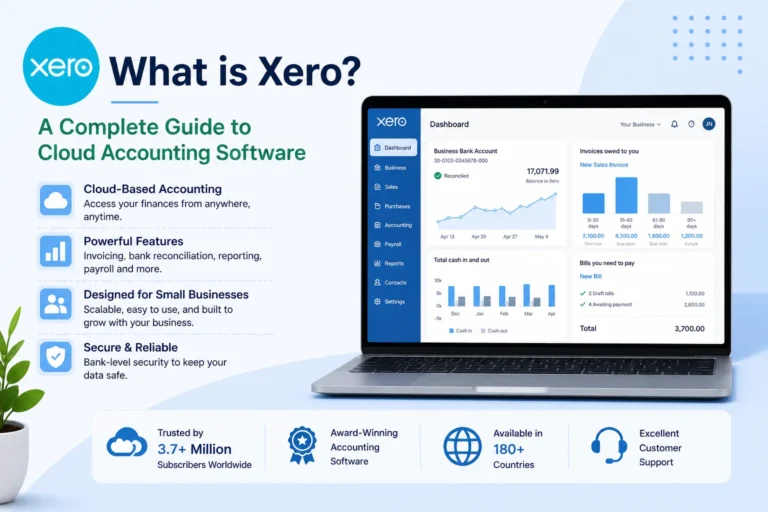
Xero is one of the most widely used cloud accounting platforms for small and growing businesses. It is designed as a full financial system rather than just invoicing software, offering automation, bank reconciliation, reporting, and multi-user collaboration in one platform.
Understanding Xero pricing is important because the real cost is not just the monthly subscription. It also depends on add-ons, payment integrations, payroll tools, and how your business scales over time.
This guide explains Xero pricing in depth, including all plans, feature differences, hidden costs, and practical value for different types of businesses.
Xero Pricing Model Overview
Xero uses a subscription-based pricing structure.
Key characteristics:
- Monthly subscription billing
- Feature-based pricing tiers
- Cloud-based access (no installation required)
- Most plans support multiple users without extra charges
- Designed to scale with business complexity
Instead of charging per transaction or per user in most cases, Xero focuses on business functionality and feature access.
Xero Pricing Plans
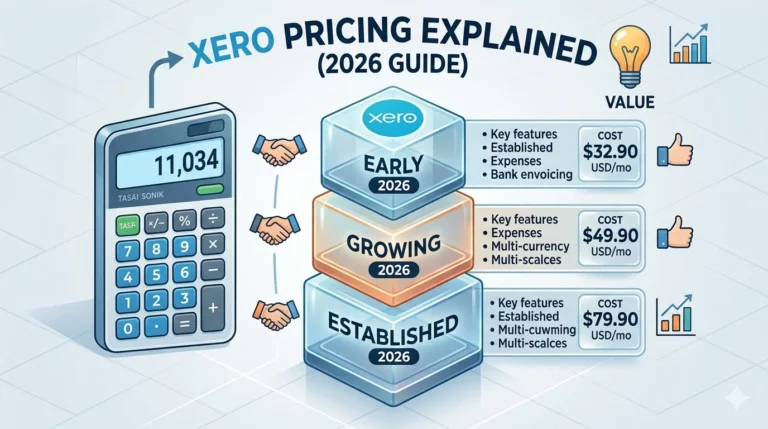
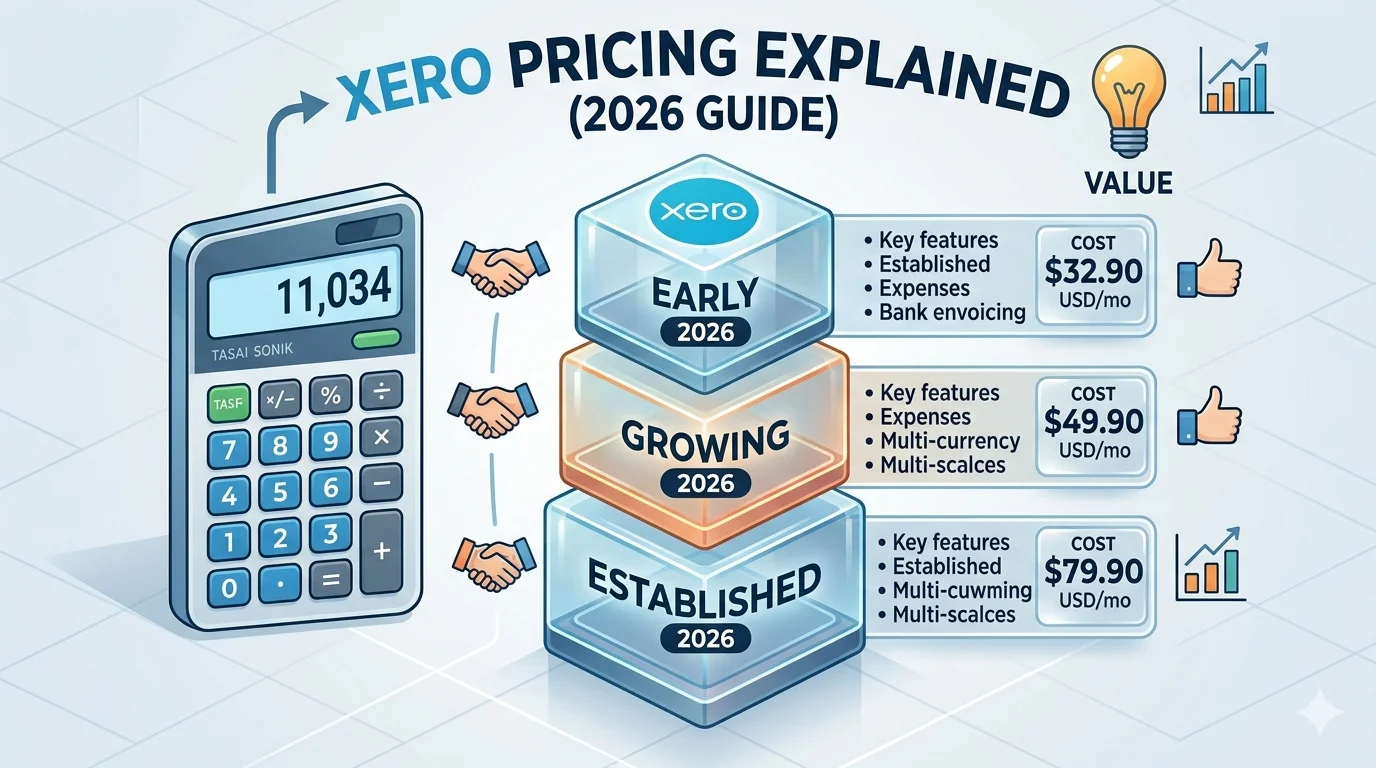
Xero generally offers three core plans:
- Early Plan
- Growing Plan
- Established Plan
Each plan is designed for a different stage of business growth.
Early Plan
This is the entry-level plan designed for individuals and very small businesses.
Features included:
- Basic invoicing tools
- Expense tracking
- Bank reconciliation (limited in some regions)
- Simple financial reporting
- Basic cash flow visibility
- Mobile access to core features
Limitations:
- Restricted invoice and bill usage in some cases
- Limited automation capabilities
- Not suitable for high-volume transactions
- Basic reporting depth
Best suited for:
- Freelancers
- Sole traders
- Side businesses
- Early-stage startups
This plan focuses on essential bookkeeping rather than full financial management.
Growing Plan
This is the most commonly used Xero plan for small businesses.
Features included:
- Unlimited invoices and bills
- Full bank feed integration
- Advanced reconciliation system
- Standard financial reporting suite
- Multi-user access
- Basic inventory tracking
- Integration with business applications
- Automated transaction matching
Key advantage:
- No major usage restrictions, making it suitable for active businesses
Best suited for:
- Small businesses
- Online stores
- Agencies
- Service providers
- Growing startups
This plan is considered the standard business setup for most users.
Established Plan
This plan is designed for businesses with more advanced financial needs.
Features included:
- Everything in Growing plan
- Multi-currency support
- Advanced reporting tools
- Project and job tracking features
- Expense claim management
- Deeper financial insights and dashboards
- Enhanced compliance tools
Key advantage:
- Suitable for international operations and complex financial structures
Best suited for:
- Medium-sized businesses
- International companies
- Businesses with advanced accounting requirements
Real-World Xero Pricing Factors
Xero pricing is not limited to subscription fees alone. Several additional factors can influence total cost.
Payroll and Compliance Tools
In many regions, payroll is not fully included in standard plans.
Possible additional costs:
- Payroll processing modules
- Tax filing tools
- Employee management systems
- Compliance add-ons
These are often charged separately depending on location and business requirements.
Payment Processing Fees
If you accept online payments through invoices:
- Payment gateways like Stripe or PayPal charge transaction fees
- These fees are separate from Xero subscription
- Costs vary depending on provider and country
Integrations and Third-Party Apps
Xero has a large ecosystem of integrations, but many are not included in the base price.
Examples include:
- CRM systems
- Advanced inventory tools
- Industry-specific software
- Reporting and analytics extensions
Some of these applications are paid services.
Multiple Business Accounts
Each business entity requires its own Xero subscription.
Important point:
- There is no shared subscription for multiple companies
- Each entity is billed separately
This is important for users managing more than one business.
Inventory and Advanced Tools
Basic inventory features are included in some plans, but advanced inventory systems usually require external integrations.
Additional tools may include:
- Stock management systems
- Warehouse tracking software
- E-commerce integration tools
Value of Xero Pricing
Xero is not positioned as the cheapest accounting software, but it focuses on efficiency and automation.
Key value points:
- Reduces manual bookkeeping work
- Automates reconciliation and reporting
- Provides real-time financial visibility
- Supports team collaboration without per-user costs
- Scales with business growth
For many businesses, the time saved through automation offsets subscription costs.
Who Should Use Each Plan
Early Plan:
- Freelancers
- Individuals managing simple finances
- Very small businesses
Growing Plan:
- Small businesses with regular transactions
- Online stores
- Service companies
- Agencies
Established Plan:
- Growing companies with complex accounting needs
- Businesses operating in multiple currencies
- Medium-sized organizations
Advantages of Xero Pricing Model
- Flexible monthly subscription system
- Strong scalability for growing businesses
- Most plans support multiple users
- High level of automation included
- Cloud-based access from any device
- Continuous feature updates
Limitations of Xero Pricing Model
- Add-ons can increase total cost
- Payroll and advanced tools may require extra fees
- Pricing varies depending on region
- Separate subscription required for each business entity
Final Thoughts
Xero pricing is structured for long-term scalability rather than short-term simplicity. It starts with affordable entry-level options for beginners and expands into a full financial system for growing and international businesses.
The true value of Xero lies in automation, real-time financial insights, and reduced manual accounting workload. While additional costs may apply for payroll, integrations, and advanced tools, many businesses find that the efficiency gains outweigh the overall expense.
In simple terms, Xero is best suited for businesses that want a scalable, automated, and cloud-based accounting system that can grow with them over time.