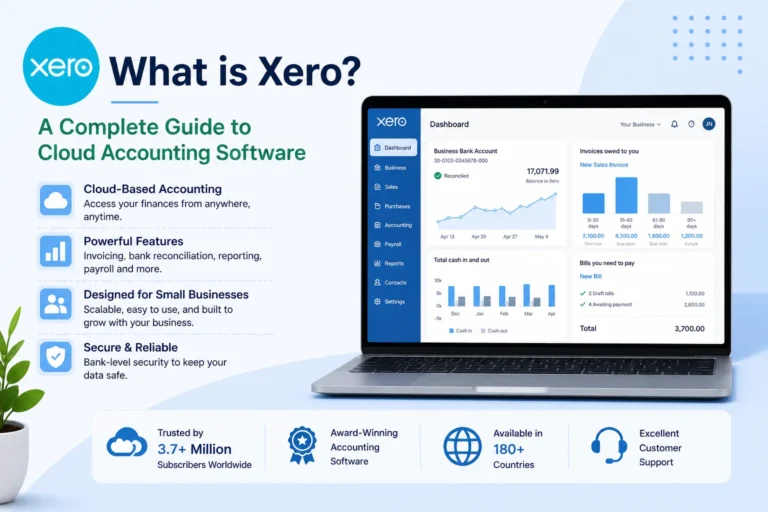
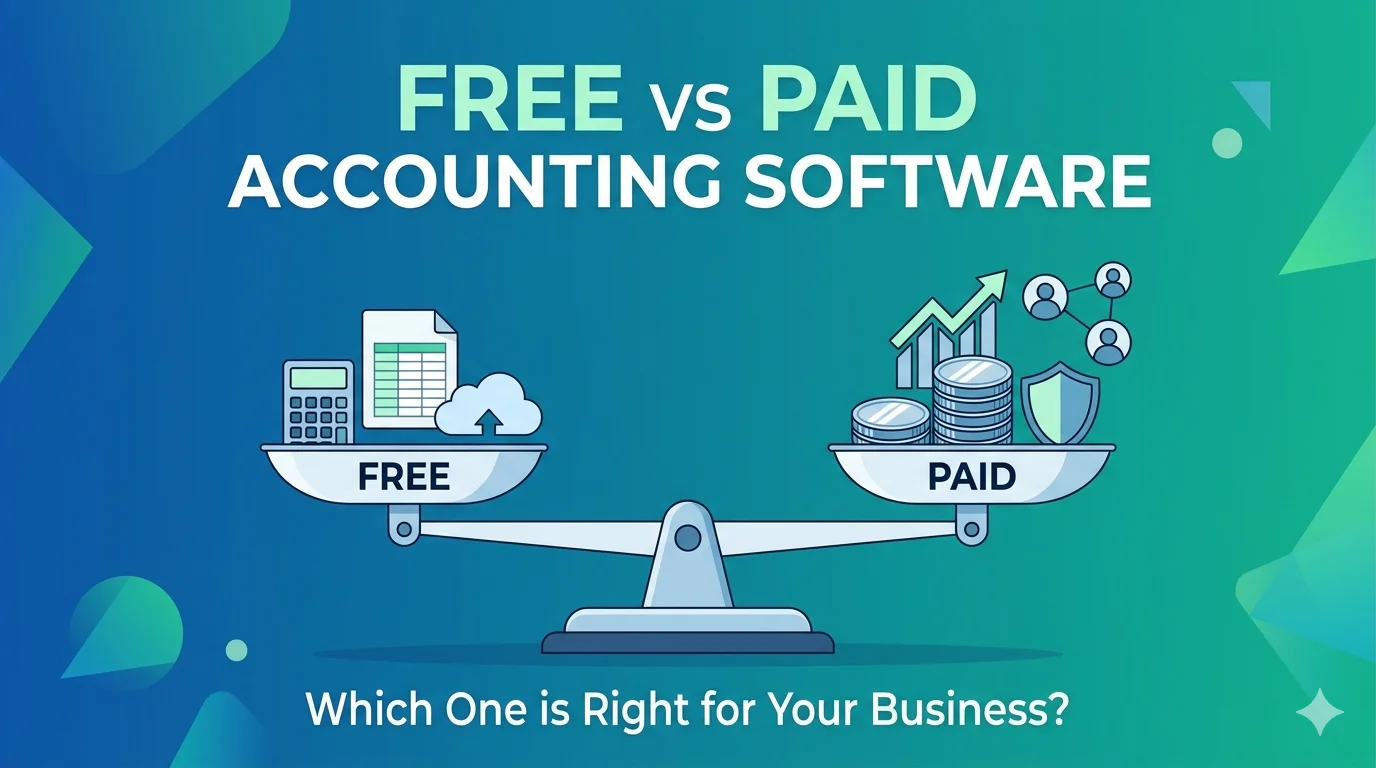
Choosing between free and paid accounting software is one of the most common decisions small business owners face when setting up their financial systems. With so many tools available today—from free platforms like Wave to advanced solutions like Xero—it can be confusing to know which option actually fits your business needs.
The truth is, there is no single “best” choice. The right option depends on your business size, goals, and how complex your accounting needs are. This guide breaks down the differences clearly so you can make the right decision for 2026 and beyond.
What is Free Accounting Software?
Free accounting software refers to tools that allow you to manage basic financial tasks without paying a subscription fee.
Most free tools typically include:
- Income and expense tracking
- Basic invoicing
- Simple financial reports
- Limited bank integration (in some cases)
These tools are designed mainly for freelancers, solo entrepreneurs, and very small businesses with simple accounting needs.
What is Paid Accounting Software?
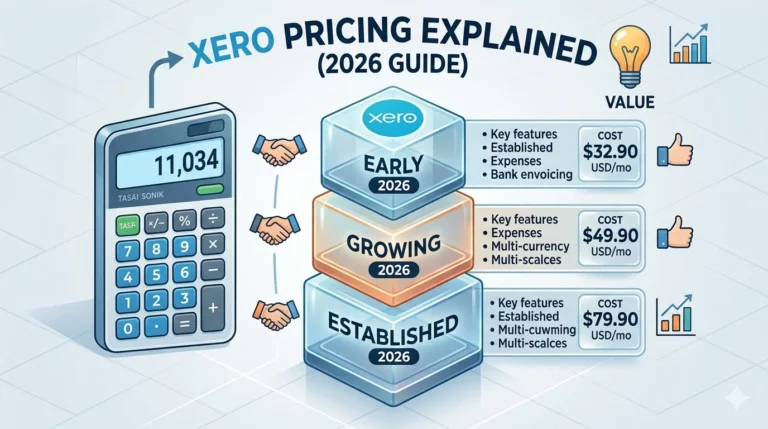
Paid accounting software is a subscription-based solution that offers more advanced features and scalability.
Examples include platforms like Xero and similar competitors.
Paid tools often include:
- Advanced financial reporting
- Full bank feeds and reconciliation
- Payroll management
- Automation features
- Multi-user access
- Integrations with other business tools
These systems are built for growing businesses that need more control and efficiency.
Key Differences Between Free and Paid Accounting Software
Understanding the core differences helps you choose wisely.
1. Features and Functionality
Free software usually covers only basic accounting tasks, while paid tools offer a complete financial management system.
Free tools:
- Basic invoicing
- Simple expense tracking
- Limited reporting
Paid tools:
- Advanced analytics and dashboards
- Automated workflows
- Inventory and payroll features
- Detailed reporting and forecasting
As your business grows, feature limitations in free tools often become a major issue.
2. Scalability
Scalability is one of the biggest differences between free and paid solutions.
Free software is suitable when:
- You have few transactions
- You work alone or with minimal staff
- Your financial operations are simple
Paid software is better when:
- Your business is growing
- You manage multiple clients or employees
- You need more advanced reporting and automation
Switching systems later can be time-consuming, so scalability matters.
3. Ease of Use and Support
Free tools often have limited customer support and fewer learning resources.
Paid tools usually provide:
- Dedicated customer support
- Live chat or phone assistance
- Tutorials and onboarding help
This can make a big difference if you are not experienced in accounting.
4. Integrations with Other Tools
Modern businesses rely on multiple software systems like payment gateways, CRMs, and e-commerce platforms.
Free software usually has:
- Limited integrations
- Basic connectivity options
Paid software offers:
- Wide integration libraries
- Seamless data syncing
- Automation between tools
This helps reduce manual work and errors.
5. Security and Data Backup
Financial data is extremely sensitive, so security is important.
Free tools may offer:
- Basic cloud storage
- Limited backup options
Paid tools typically include:
- Advanced encryption
- Regular automatic backups
- Stronger data protection policies
For growing businesses, this becomes a critical factor.
Advantages of Free Accounting Software
Free accounting tools can be very useful in the right situation.
Best for:
- Freelancers
- Side businesses
- Startups with minimal transactions
Benefits:
- No cost involved
- Easy to start using
- Simple interface
- Good for basic bookkeeping
In fact, many small businesses begin with free tools before upgrading later.
Advantages of Paid Accounting Software
Paid solutions offer significantly more power and flexibility.
Best for:
- Growing businesses
- Companies with employees
- Businesses with complex accounting needs
Benefits:
- Advanced automation saves time
- Better financial insights
- Scalable for growth
- Strong customer support
- More reliable integrations
Paid software is often seen as an investment rather than an expense.
Limitations of Free Accounting Software
While free tools are helpful, they come with limitations:
- Lack of advanced features
- Limited customer support
- Poor scalability
- Fewer integrations
- Manual work increases over time
These limitations can slow down business growth if not addressed early.
Limitations of Paid Accounting Software
Paid tools are powerful but not perfect:
- Monthly or yearly subscription costs
- Learning curve for beginners
- Some features locked behind higher plans
However, most businesses find the benefits outweigh the costs.
When Should You Choose Free Software?
Free accounting software is a good choice if:
- You are just starting out
- You have very few transactions
- You only need basic invoicing and tracking
- You want to test accounting tools before investing
It allows you to manage finances without upfront costs.
When Should You Switch to Paid Software?
You should consider upgrading when:
- Your business starts growing
- You need more automation
- You handle more transactions
- You require better reporting and insights
- You hire employees or work with accountants
At this stage, tools like Xero become far more efficient.
Final Thoughts
Both free and paid accounting software have their place in modern business. Free tools are perfect for beginners and small operations, while paid tools are designed for growth, efficiency, and long-term scalability.
The key is not to choose based on cost alone, but based on what your business actually needs today—and what it will need in the future.
If you are just starting, free software can be a great entry point. But if you are serious about scaling your business, investing in a paid solution will save you time, reduce errors, and provide better financial control in the long run.