Understanding accounting software pricing is important for any business, especially small and growing companies that need to control monthly expenses while still using powerful financial tools. One of the most popular cloud accounting platforms in the world is Xero, but many users do not fully understand how its pricing works, what each plan includes, and which plan is best for their business.
This guide explains Xero pricing in detail, including all major plans, features inside each tier, hidden cost considerations, and how to choose the right option based on business size and needs.
What Is Xero Pricing Model?
Xero follows a subscription-based pricing model. Users pay a fixed monthly fee instead of a one-time license.
Key characteristics of Xero pricing:
- Monthly subscription system
- Feature-based plans instead of per-feature purchases
- Scalable structure for growing businesses
- Most plans allow unlimited users
The unlimited user access is one of Xero’s strongest pricing advantages because it allows teams and accountants to collaborate without extra cost.
Xero Pricing Plans Overview
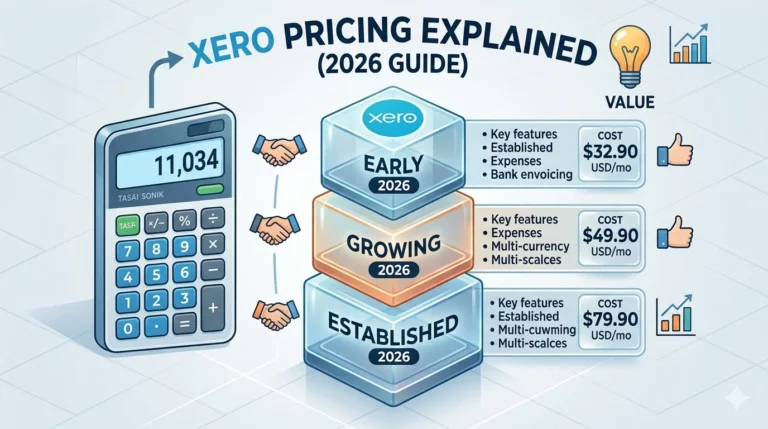
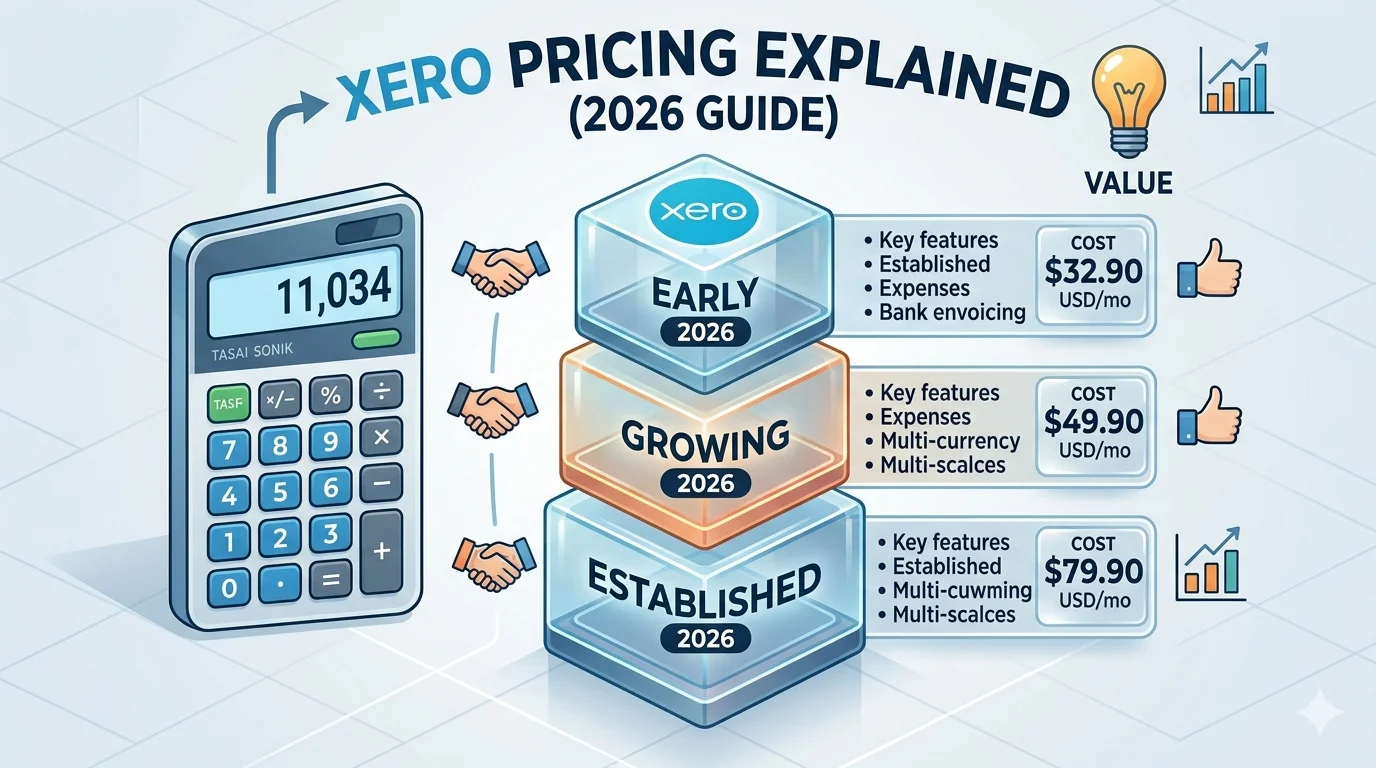
Xero generally offers three main plans:
- Early Plan
- Growing Plan
- Established Plan
Each plan targets a different business stage and accounting requirement level.
1. Early Plan (Entry-Level Plan)
The Early plan is designed for freelancers, sole traders, and very small businesses that need basic accounting tools.
Features included:
- Basic invoicing and billing
- Bank reconciliation
- Expense tracking
- Simple financial reports
- Basic cash flow overview
Limitations:
- Limited invoices and bills per month
- Restricted automation features
- Not suitable for high transaction volume businesses
Best suited for:
- Freelancers
- Side businesses
- Early-stage startups
- Small service providers
This plan is ideal if you only need basic bookkeeping and simple financial tracking.
2. Growing Plan (Most Popular Plan)
The Growing plan is the most commonly used Xero subscription because it offers a strong balance between price and functionality.
Features included:
- Unlimited invoices and bills
- Advanced bank reconciliation
- Full financial reporting tools
- Multi-user access
- Basic inventory tracking
- Integration with third-party apps
Key advantage:
- No major transaction limits, making it suitable for active businesses
Best suited for:
- Small businesses
- Online stores
- Service-based companies
- Growing startups
This plan is often considered the standard choice for small business accounting.
3. Established Plan (Advanced Plan)
The Established plan is designed for more complex businesses that require advanced accounting features.
Features included:
- Everything in Growing plan
- Multi-currency accounting
- Advanced financial reporting and analytics
- Project tracking tools
- Advanced expense management
- Enhanced automation features
Key advantage:
- Full support for international business operations and advanced reporting
Best suited for:
- Medium-sized businesses
- International companies
- Businesses with complex financial workflows
This plan is ideal for companies that have outgrown basic accounting needs.
Xero Pricing Structure in Real Terms
While exact pricing may vary by region, Xero generally follows a tiered pricing model:
- Entry-level plans are low-cost for beginners
- Mid-tier plans are moderately priced for growing businesses
- Advanced plans are higher due to added functionality
Some regions may also offer promotional discounts for new users during the first few months.
What Affects Xero Pricing?
Several factors influence the total cost of using Xero beyond the base subscription.
1. Add-ons and Integrations
Additional tools may increase overall cost, such as:
- Payroll systems
- Advanced inventory management tools
- Reporting and analytics add-ons
- Industry-specific applications
2. Payment Processing Fees
If you accept online payments through invoices:
- Transaction fees may apply depending on payment provider
- Fees vary by region and gateway
3. Advanced Features
Some advanced capabilities are only available in higher plans:
- Multi-currency support
- Advanced analytics
- Project tracking
4. Multiple Businesses
- Each business requires a separate subscription
- Some accounting firms may offer bundled management options
Is Xero Worth the Price?
Xero is widely considered a strong value accounting platform due to its automation and scalability.
Key value benefits:
- Unlimited users on most plans
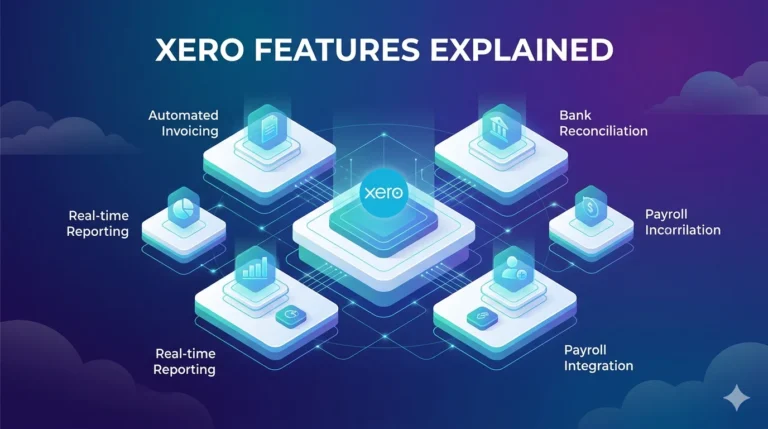
- Strong automation in reconciliation and invoicing
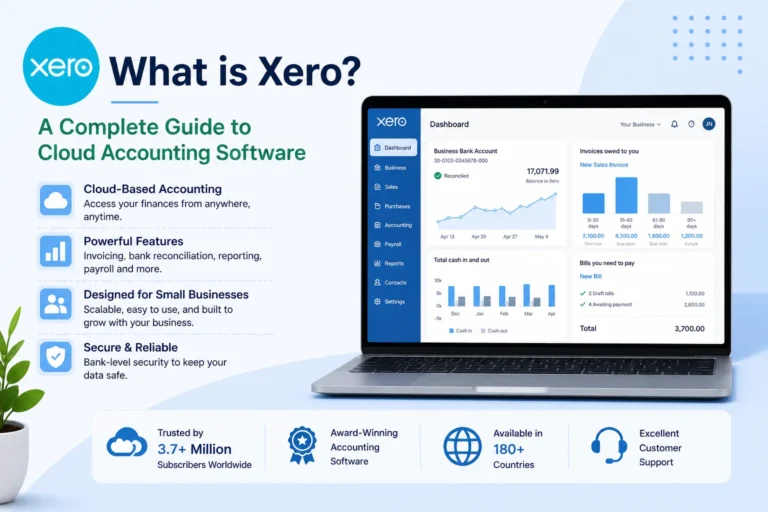
- Real-time financial visibility
- Cloud-based access from anywhere
- Large integration ecosystem
For many businesses, time saved through automation often offsets the subscription cost.
Advantages of Xero Pricing Model
- Flexible monthly subscription
- No per-user pricing in most plans
- Scales easily with business growth
- Transparent tier-based structure
- Suitable for both small and growing businesses
- Regular updates and feature improvements
Limitations of Xero Pricing
- Advanced features are locked behind higher-tier plans
- Add-ons may increase total monthly cost
- Some tools require third-party integrations
- Pricing varies depending on country and region
Who Should Choose Xero?
Xero is best suited for:
- Small and growing businesses
- Teams requiring multiple users
- Businesses needing automation in accounting
- Companies operating online or internationally
- Startups planning long-term growth
Final Thoughts
Xero offers a structured and scalable pricing system designed for businesses at different stages of growth. Its Early plan works well for beginners, the Growing plan is the most balanced option for small businesses, and the Established plan is built for advanced financial operations.
Its biggest strength is the combination of automation, real-time financial tracking, and unlimited user access, which makes collaboration easy and cost-efficient.
While add-ons and advanced features can increase overall cost, Xero remains a strong choice for businesses that want a modern, cloud-based accounting system that grows with them over time.