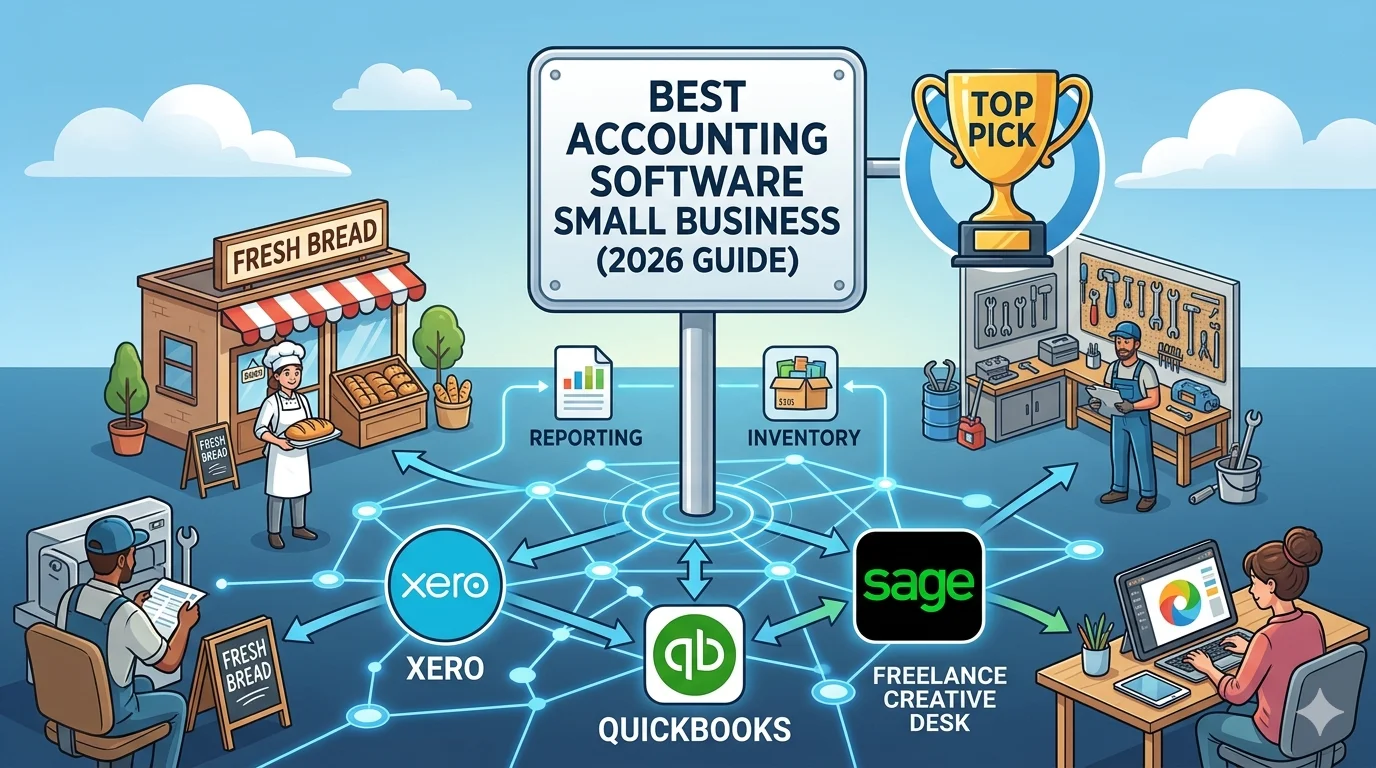
Choosing the best accounting software for a small business is one of the most important financial decisions a business owner can make. The right tool can save time, reduce errors, improve cash flow visibility, and simplify tax preparation. The wrong one can create confusion, wasted money, and unnecessary manual work.
Today’s accounting tools are no longer just bookkeeping systems. They are cloud-based financial platforms that automate invoicing, track expenses in real time, connect with banks, and generate instant financial reports.
In this guide, we will explore the best accounting software options for small businesses, what features matter most, and how to choose the right system based on your needs.
What Small Businesses Need in Accounting Software
Before comparing tools, it is important to understand what small businesses actually need from accounting software.
A good system should include:
- Easy invoicing and payment tracking
- Automatic expense recording
- Bank reconciliation
- Simple financial reporting
- Tax preparation support
- Scalability as the business grows
- Affordable pricing
Most small businesses do not need overly complex enterprise systems. Instead, they need a balance between simplicity and functionality.
1. Xero – Best Overall Cloud Accounting Software
One of the most popular choices for small businesses worldwide is Xero.
Xero is a cloud-based accounting platform designed for simplicity, automation, and collaboration. It is widely used by freelancers, startups, and small businesses because of its user-friendly design and strong automation features.
Key Features of Xero
Xero offers a complete accounting system with:
- Automatic bank reconciliation
- Cloud-based invoicing system
- Expense tracking with receipt capture
- Financial reporting tools
- Multi-user access without extra cost
- Integration with hundreds of business apps
Why Small Businesses Choose Xero
Xero is particularly attractive for small businesses because it allows unlimited users on most plans. This means business owners can collaborate with accountants or team members without additional charges.
Its automation features reduce manual bookkeeping, especially in bank reconciliation and transaction categorization.
Limitations
While powerful, Xero may have a learning curve for beginners and some advanced features require third-party add-ons.
Best For
Growing small businesses that want automation, collaboration, and scalability.
2. QuickBooks – Best for Beginners
QuickBooks is one of the most widely recognized accounting platforms globally and is especially popular among small businesses in the United States.
It is known for its beginner-friendly interface and strong customer support system.
Key Features of QuickBooks
- Easy invoicing system
- Expense tracking with automation
- Payroll management (region-based)
- Tax calculation tools
- Strong reporting features
- Mobile application support
Why Small Businesses Use QuickBooks
QuickBooks is very easy to set up and use. It provides guided workflows that help users without accounting knowledge manage their finances efficiently.
It also offers strong support options, including live chat and phone support, which is helpful for beginners.
Limitations
QuickBooks can become expensive as the business grows, and user limits apply depending on the plan.
Best For
Small businesses and freelancers who want simplicity and strong support.
3. FreshBooks – Best for Service-Based Businesses
FreshBooks is designed primarily for freelancers and service-based businesses.
Key Features
- Professional invoicing
- Time tracking
- Expense management
- Client billing system
- Basic reporting tools
Why It Stands Out
FreshBooks focuses heavily on invoicing and client management, making it ideal for agencies, consultants, and freelancers who bill hourly or project-based work.
Limitations
It lacks advanced accounting features compared to Xero and QuickBooks.
Best For
Freelancers and service-based small businesses.
4. Wave – Best Free Accounting Software
Wave is a completely free accounting platform designed for very small businesses and freelancers.
Key Features
- Free invoicing
- Basic bookkeeping tools
- Expense tracking
- Financial reporting
Why It’s Popular
Wave is one of the few platforms that offers core accounting features without a subscription fee.
Limitations
It lacks advanced features like payroll in many regions and has limited scalability.
Best For
Very small businesses and startups with tight budgets.
5. Zoho Books – Best Budget-Friendly Alternative
Zoho Books is part of the Zoho business suite and is known for its affordability and automation features.
Key Features
- Automated workflows
- Invoicing and expense tracking
- Bank reconciliation
- Tax management
- Integration with Zoho ecosystem
Why It’s Useful
Zoho Books provides strong automation at a lower price point compared to competitors.
Limitations
Less popular than Xero and QuickBooks, meaning fewer integrations and community resources.
Best For
Budget-conscious small businesses.
Comparison Summary
When comparing the top accounting tools for small businesses, the choice depends on priorities:
- Xero is best for scalability and automation
- QuickBooks is best for beginners and support
- FreshBooks is best for freelancers
- Wave is best for free usage
- Zoho Books is best for budget-friendly automation
How to Choose the Right Accounting Software
To choose the best accounting software, consider the following factors:
- Business size and growth plans
- Budget for monthly software costs
- Need for automation vs manual control
- Number of users required
- Integration with other tools
- Level of accounting knowledge
A small business that expects growth should prioritize scalability, while a freelancer may focus more on simplicity and invoicing.
Final Thoughts
The best accounting software for small business depends entirely on your needs, but cloud-based tools have clearly become the industry standard.
Xero stands out as one of the strongest overall choices due to its automation, scalability, and collaboration features. However, alternatives like QuickBooks and FreshBooks may be better suited depending on your experience level and business type.
Before making a decision, it is always recommended to compare features, pricing, and usability based on your specific workflow rather than choosing based on popularity alone.